
en:pedoffice:instalation:lizenzserver
Inhaltsverzeichnis
Licence Server
This is a program for the central administration of your pedoffice licenses. It is essential for a floating license. pedoffice uses the Reitec.LizenseService.
Floating Licence
A Floating license allows you to install pedoffice an unlimited number of times, but limits the number of active sessions.
Download
The current license server version can be downloaded via the following links:
Installation
- After downloading the installation program, start it by double-clicking on it, for example.
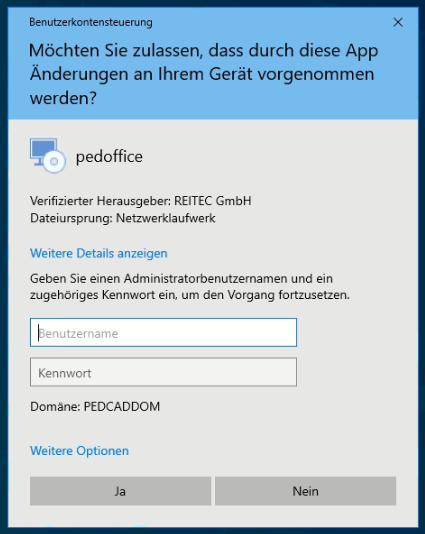
- The operating system will then ask you whether the program is allowed to make changes to your PC. This may need to be approved by an administrator by entering their user ID and password..
Click for larger view
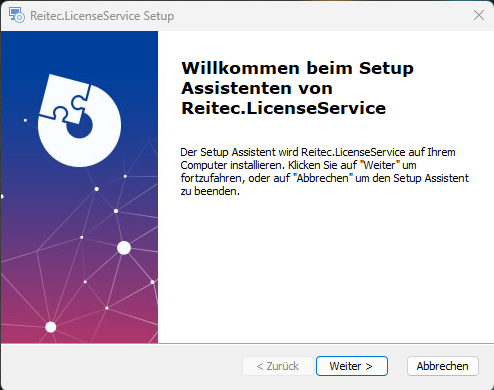
- In the next step, you will be greeted by the setup wizard. Here, click on “Next.”
Click for larger view
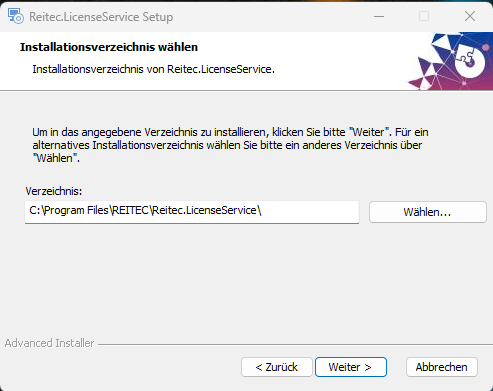
- In the following window, you can change the installation directory if necessary. Then click “Next”
Click for larger view
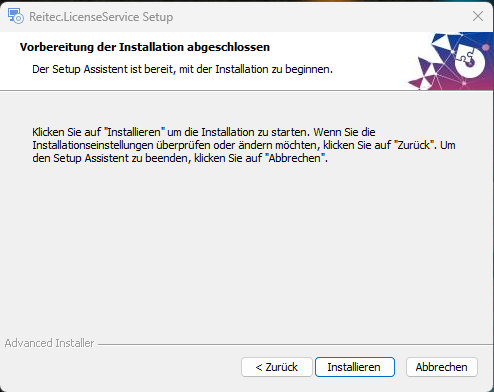
- In the following window, click on “Install”
Click for larger view
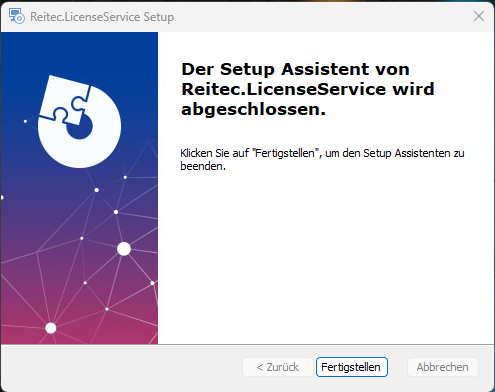
- In the following window, click on “Complete”
Click for larger view
Lizenzen Verwalten
en/pedoffice/instalation/lizenzserver.txt · Zuletzt geändert: von dickehuth